
Kiven handles the moving parts. You keep the decisions.
Bring the cards you already use and any eligible balance into one place, see the cost and dates clearly, and choose what Kiven handles next.
A credit specialist, not another place to watch money.
Kiven is built around the parts of credit that are usually scattered: card balances, repayment dates, statements, and the next action. The product makes the picture clear, presents eligible options, and carries out only the action you authorize.
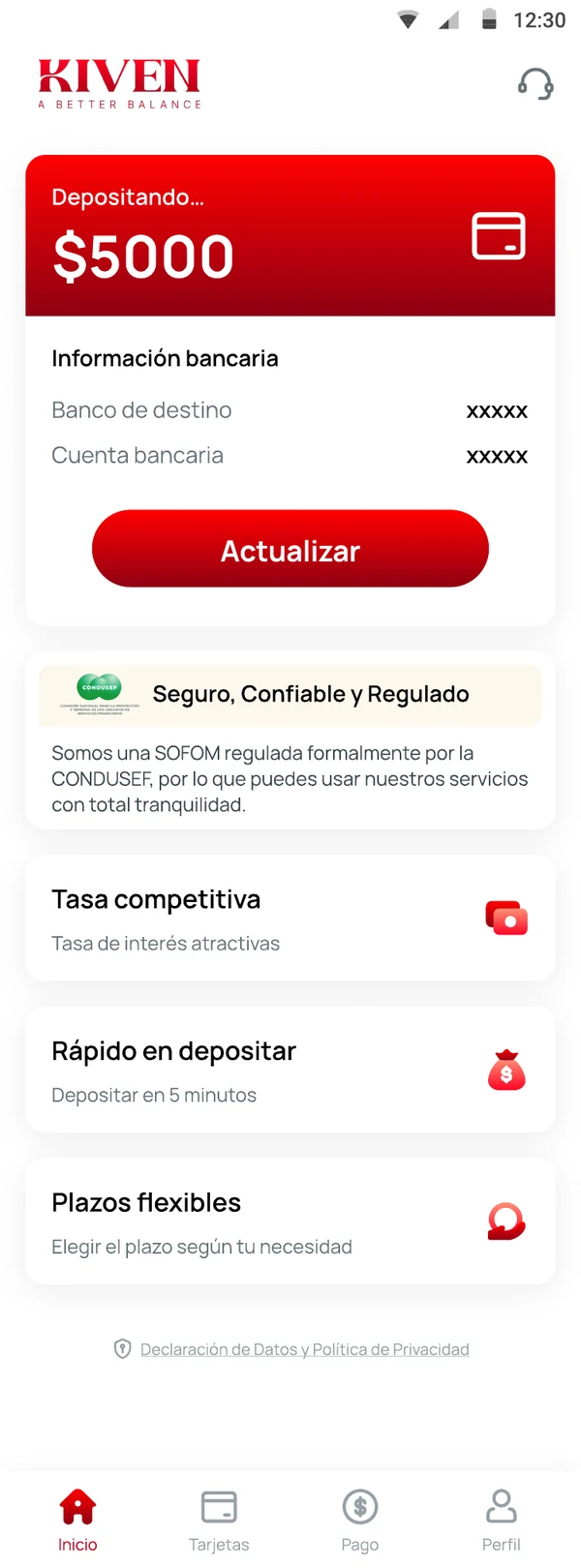
From information to a completed action.
Five steps. The decision stays yours at each one.
Start with a need.
Choose card management, an eligible card balance, or a personal loan.
Add the information required for that task.
Kiven shows whether information is entered by you, read from a statement, received from a provider, or obtained with your consent.
Review eligibility or an offer.
Eligibility is not approval. A final offer shows the amount, rate, fees, repayment dates, and total repayment.
Authorize the action.
Kiven does not move money or finalize an agreement without the authorization required by the product flow.
See the status.
The app confirms what happened, what is scheduled, and what needs you next. If nothing needs you, it stays quiet.
Eligibility is not approval.
Eligibility tells you whether an option can be reviewed. A final offer shows the amount, rate, fees, repayment dates and total repayment. Any bureau check and its effect are explained before consent. You can accept, decline, or come back later.
Separate decisions, every time.
Adding a card, checking eligibility, accepting an offer and authorizing a payment are separate steps. Kiven does not move money or finalize an agreement without the authorization required by the product flow.
Only what the task needs.
Kiven asks only for the information needed to assess an application, labels where each piece of information came from, and does not sell your data. Sensitive-data notices appear at the step where the data is requested.
Who provides the product, and how to get help.
Legal entity, regulatory and privacy information is shown in the app and at key steps. Support and complaint channels are listed there. Public credentials appear only once approved for use.
Start with the product that fits the need in front of you.
See the full picture before you choose.
Start with the product that fits the need in front of you.
Kiven. A Better Balance.