
Every card. Every date. One clear view.
Add the cards you already use and keep balances, statement dates, due dates, and the next payment together in Kiven.
The hard part is not one card. It is every card on a different clock.
One statement arrives today. Another payment is due next week. A third balance sits in an app you rarely open. Kiven creates one place to see the month without asking you to remember where every number lives.
Start with what needs attention next.
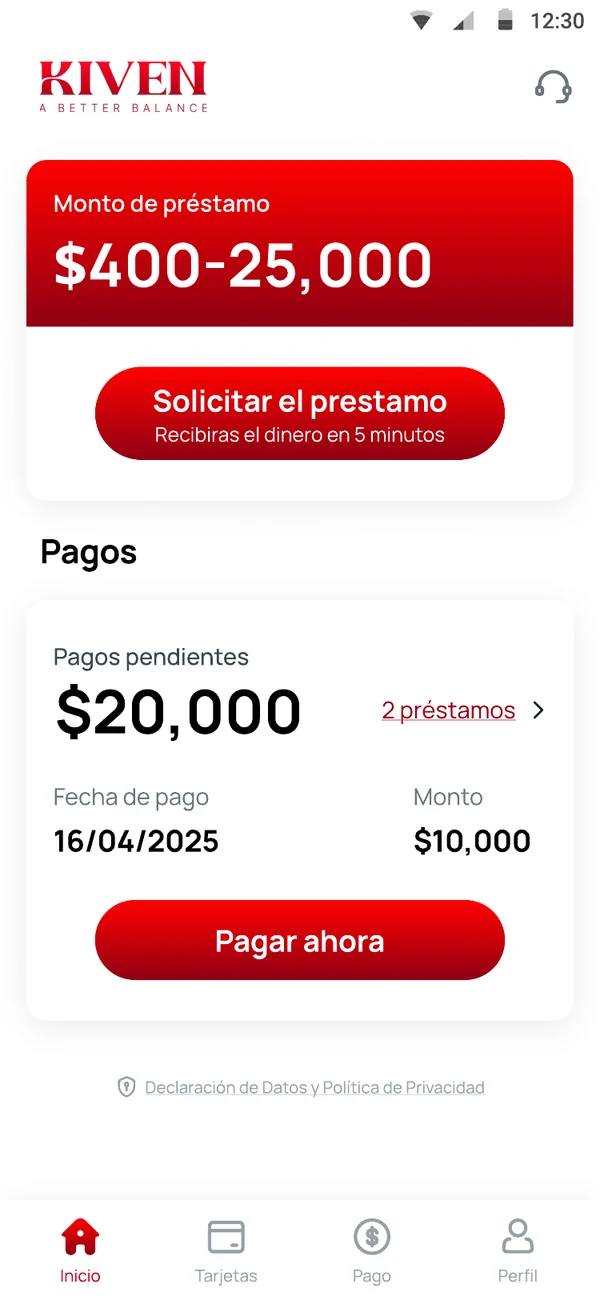
What the screen shows:
- Today and current month
- Next due date and amount
- Each added card with issuer-approved display name or your label
- Statement balance and minimum payment, when available
- Source label: entered by you, read from statement, or connected
- Last updated timestamp
- Status: needs confirmation, due soon, scheduled, or paid
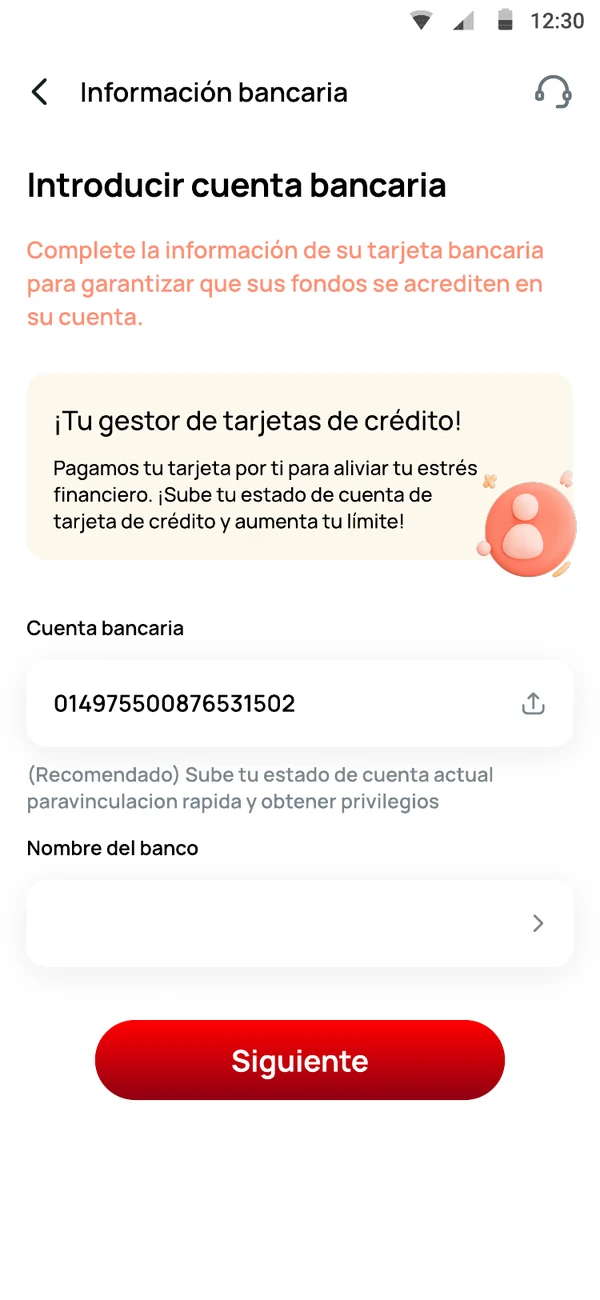
Add a card in the way the live product supports.
Enter details
Add the card-account information requested by Kiven and confirm the due date and balance.
Upload a statement
Kiven reads selected fields from the statement and asks you to confirm them before they are added.
Connect a provider
Shown only for providers with a tested integration and your explicit consent.
The next date, without the daily checking.
Choose the reminders available in the app and the channels you want Kiven to use. Each reminder states the card, amount, due date, and next action in one short message.
MXN 1,240 is due on September 15. Review the card before scheduling a payment.
When seeing the balance is not enough, see what can change.
If an eligible card balance needs a clearer repayment path, Kiven can show whether a Balance Transfer option is available. This page provides the context; the Balance Transfer page explains the financing decision.
Explore balance transfer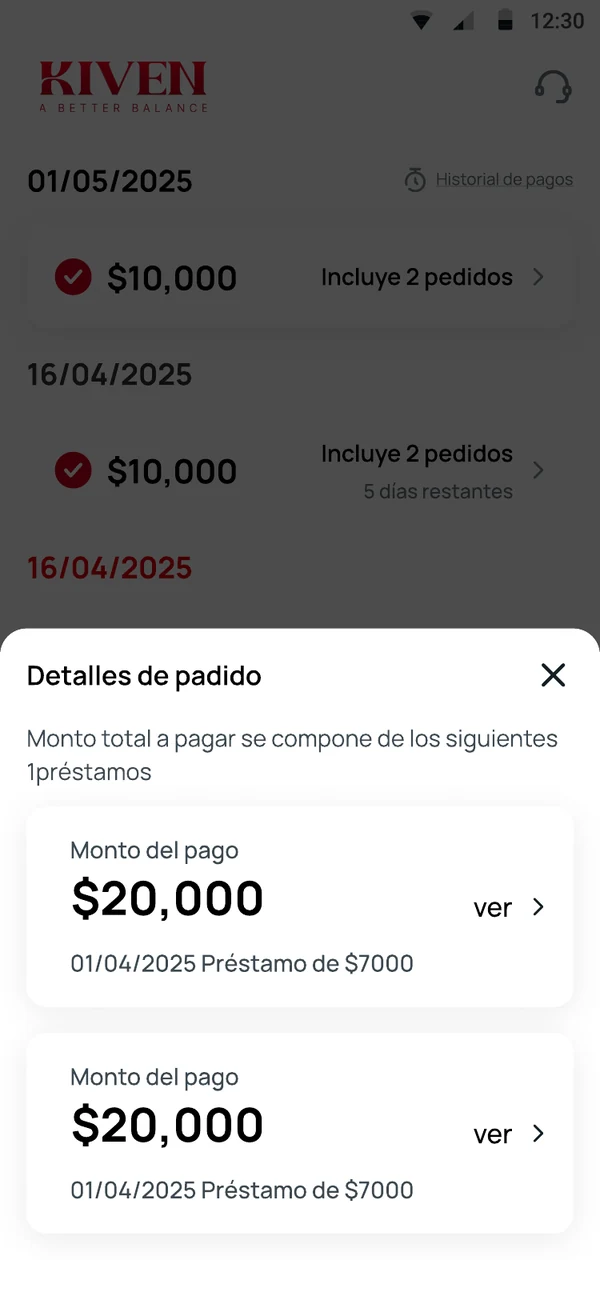
Put the next payment where you can see it.
Bring the cards you already use into one clear view.
Get KivenKiven. A Better Balance.
Bring the cards you already use into one view.
Add the first card in minutes. Balances, dates and next payment, together.
Kiven. A Better Balance.