
A personal loan, with the whole cost in view.
See the amount, repayment dates, rate, fees, and total repayment available to you before you decide.
One amount. One schedule. No guesswork about the total.
A loan should help with the plan in front of you, not create another set of moving parts. Kiven keeps the amount, cost, and repayment schedule together, in language you can read once.
The full cost, together
Rate, fees, payment dates, and total repayment appear in the same offer summary.
Dates you can plan around
Choose from the repayment dates available for your offer. The schedule stays visible after acceptance.
A decision that stays yours
Review the offer, decline it, or come back later. No countdown. No pressure.
Read the offer before you accept it.
The offer screen shows everything that decides the cost, on one screen:
- Loan amount
- Number of repayments
- Each repayment date
- Rate and fees
- Total repayment
- What happens if a payment is late
- Whether early repayment changes the cost
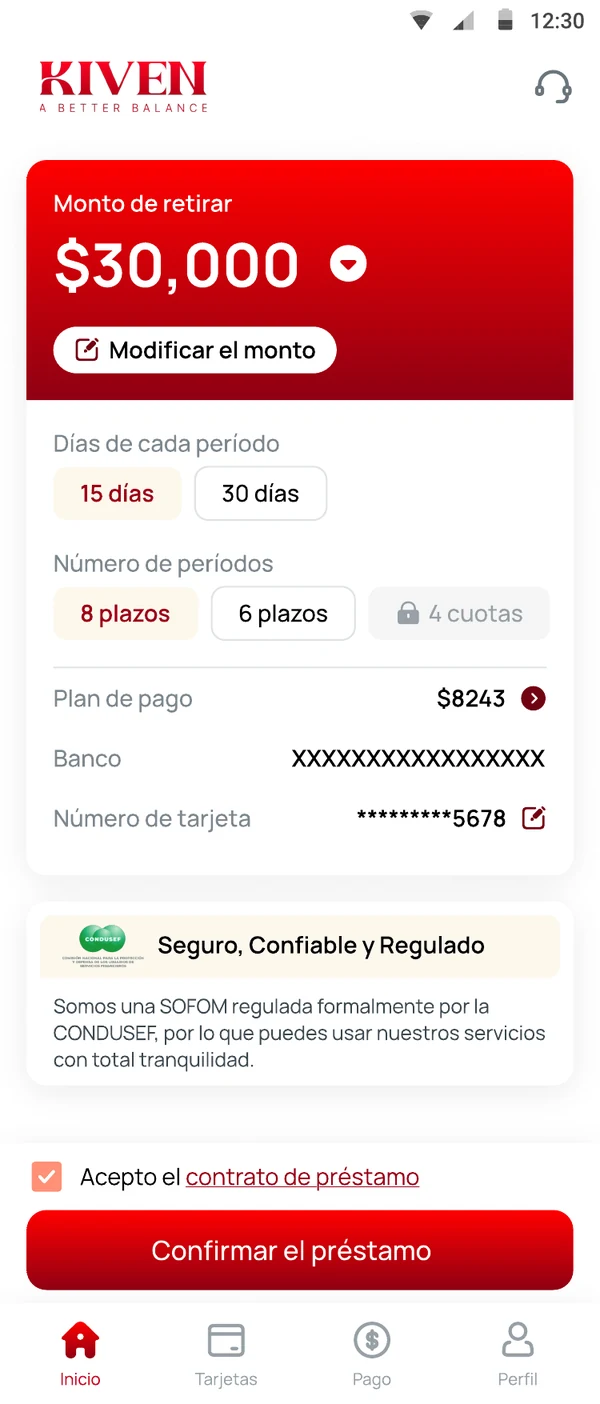
From need to a clear answer.
Four steps. Each one is a separate decision.
Tell us what you need.
Enter the amount and purpose information required by the live flow.
Complete the eligibility check.
Kiven asks only for the information needed to assess the application. Any bureau check and its effect are explained before consent.
Review your offer.
See the amount, rate, fees, repayment dates, and total repayment together.
Choose.
Accept the offer, decline it, or leave and return later. If you accept, the app confirms what happens next.
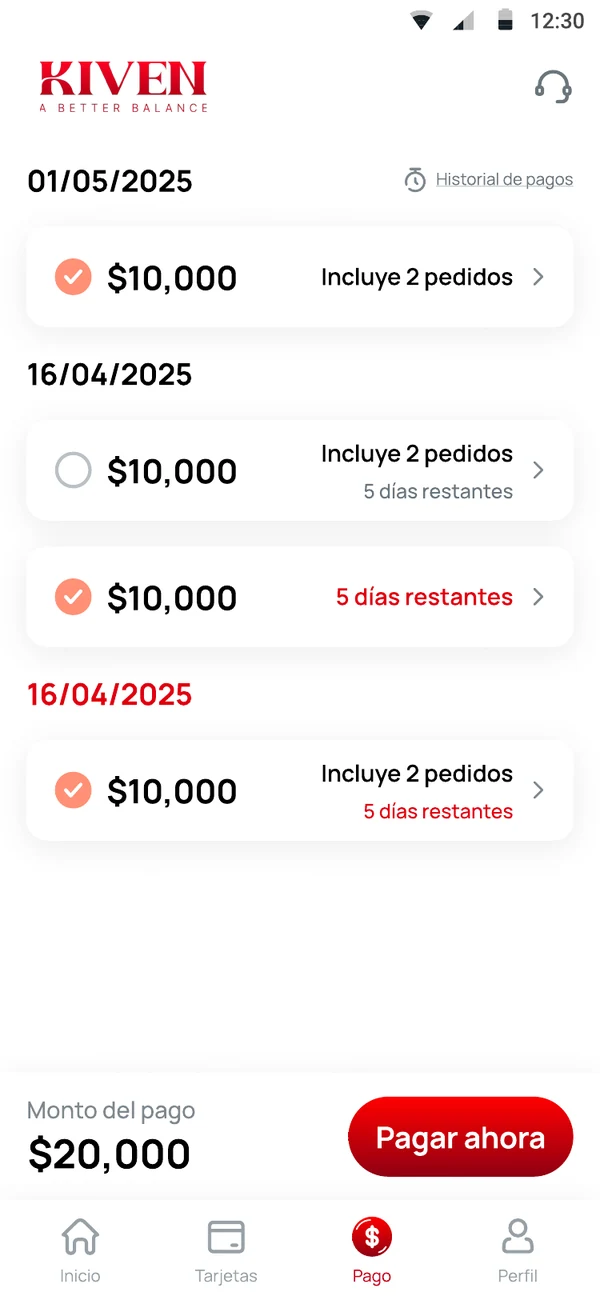
Your next repayment should never be a surprise.
Kiven keeps the next date and amount visible. Before each repayment, the app uses the channels and notice period you have approved. If something changes, Kiven explains what happened, what options are available, and what comes next.
Built for a defined need.
A planned purchase
With a known budget and a date you can see.
An expense that needs a schedule
One amount, one clear repayment rhythm.
Reorganizing a card balance
An eligible card balance is a different path: Balance transfer.
See the numbers. Then decide.
Check the personal-loan options available to you, with the cost and dates in view.
Get KivenKiven. A Better Balance.
Check your personal-loan options.
The amount, dates, rate, fees and total, before you decide.
Kiven. A Better Balance.